
01
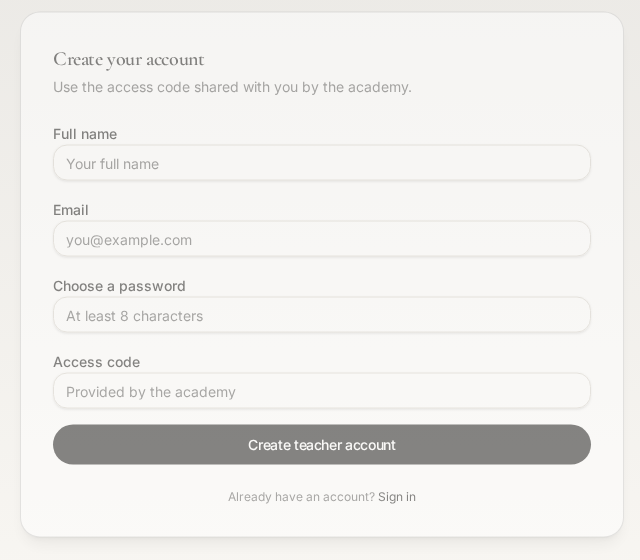
Open the Teachers Portal sign-up page
- On your phone or laptop, go to albayaanacademy.lovable.app/teacher-signup.
- You can also scroll to the bottom of any page on the website and tap “Teachers Portal” under Portals.
Teachers Portal
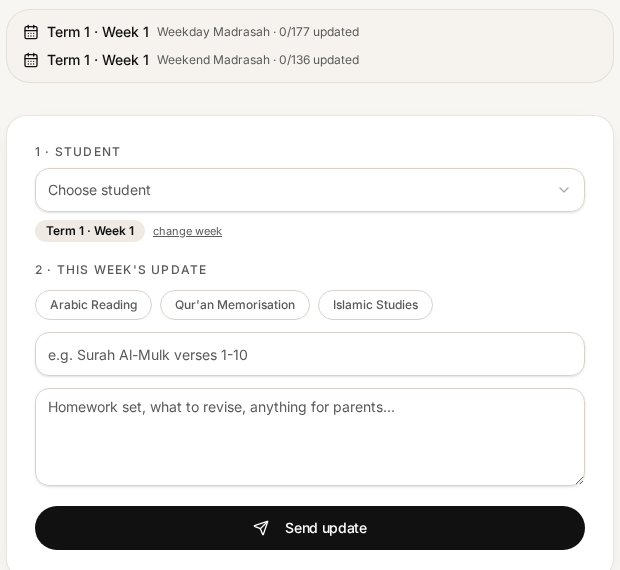
A short guide to creating your account, taking the daily register and sending weekly progress updates to parents. It takes about two minutes to set up.
Go to the website, tap “Parent Login” at the top (it is the same sign-in page for everyone) and enter your email and the password you chose. You will be taken to your register.
Message the academy admin and we will reset it for you.
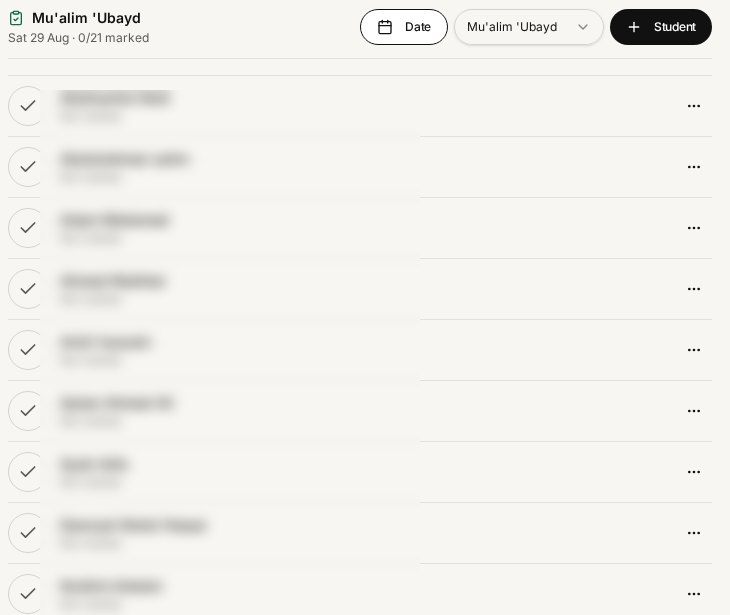
Tap “+ Student” on the register — you can pick children who are not yet assigned to any class and add them to yours.
No. You only see the students assigned to you, and parents can never see the register at all.
Weekend classes are at /register/weekend and weekday classes at /register. Your own class opens by default.